Loading...

Google and Apple Wallet

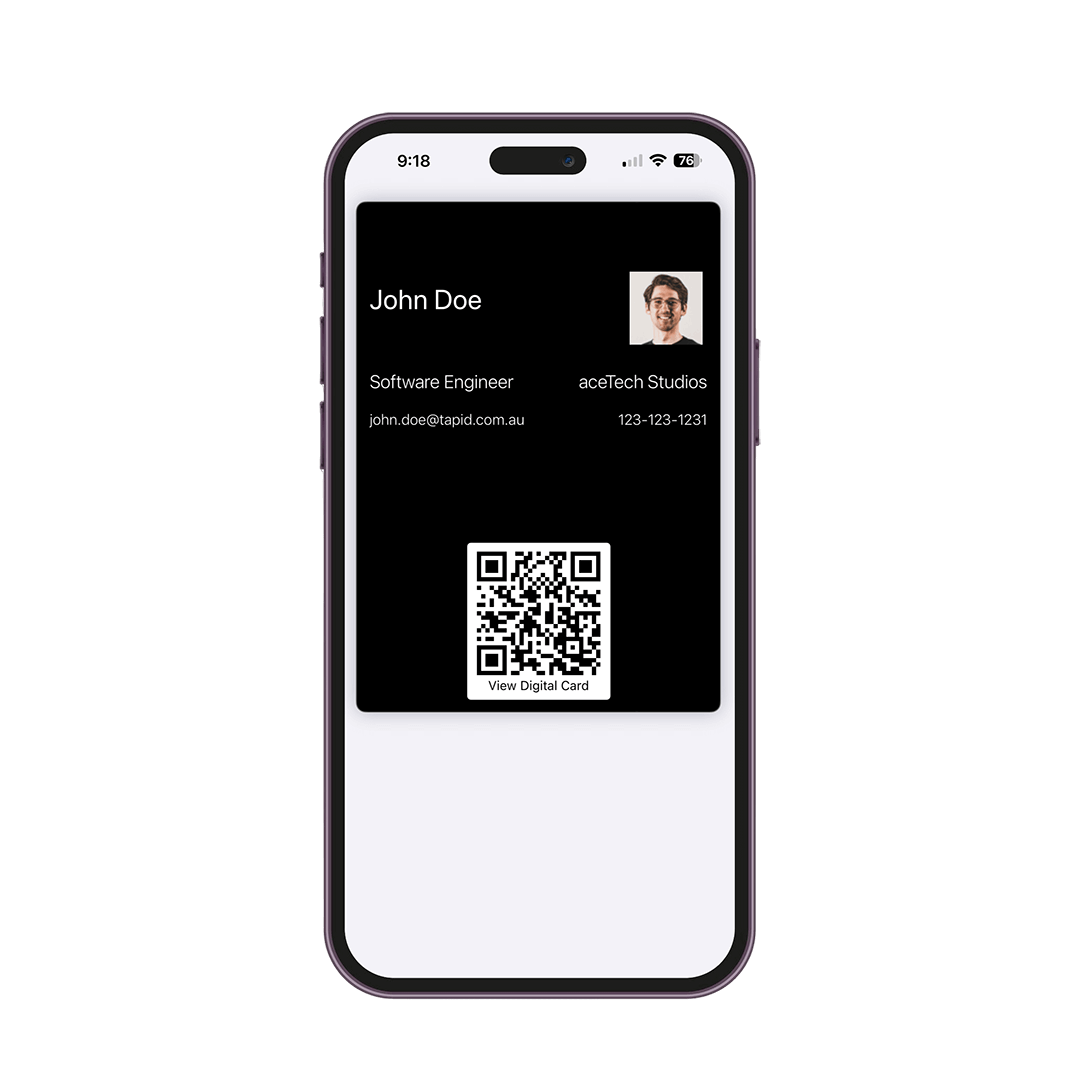
Easily share your digital business card with a tap or scan—no app needed. Your recipients gain instant access to your contact details, website, social profiles, and more.

Google Wallet

Save to wallet

Apple Wallet

Save to wallet
Awesome hero page image

How to Use

Wallet cards are here for environment.

Scanning business card with phone

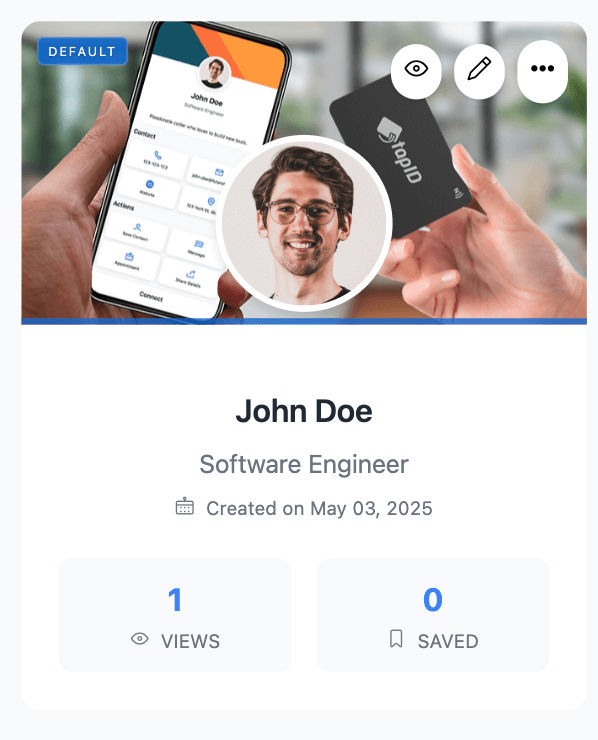
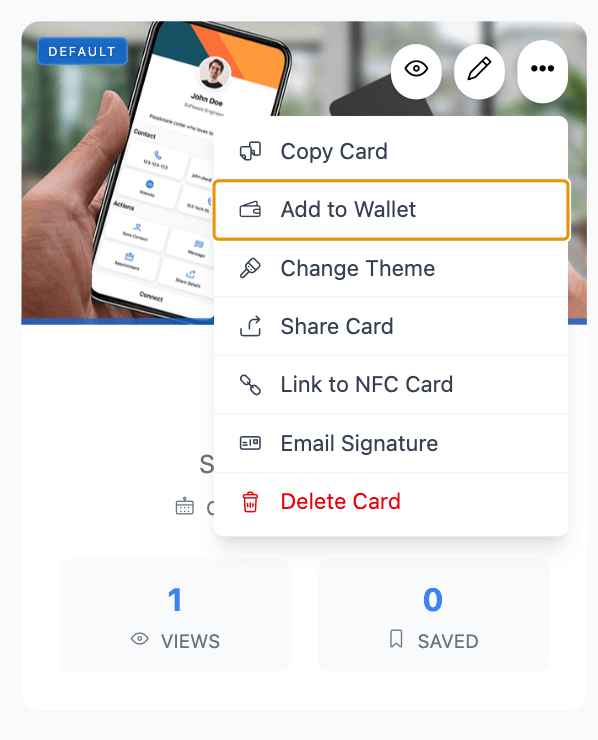
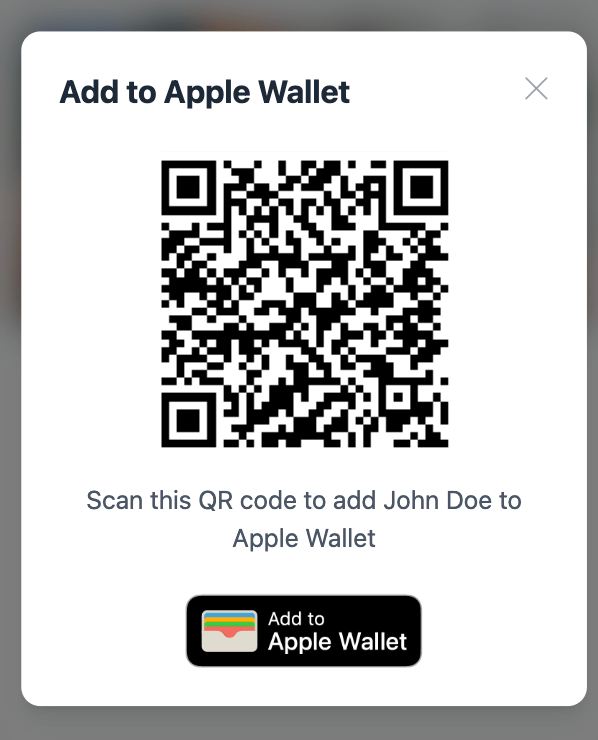
Once your card is created, click options (three dot) -> Click add to wallet.

Always Handy

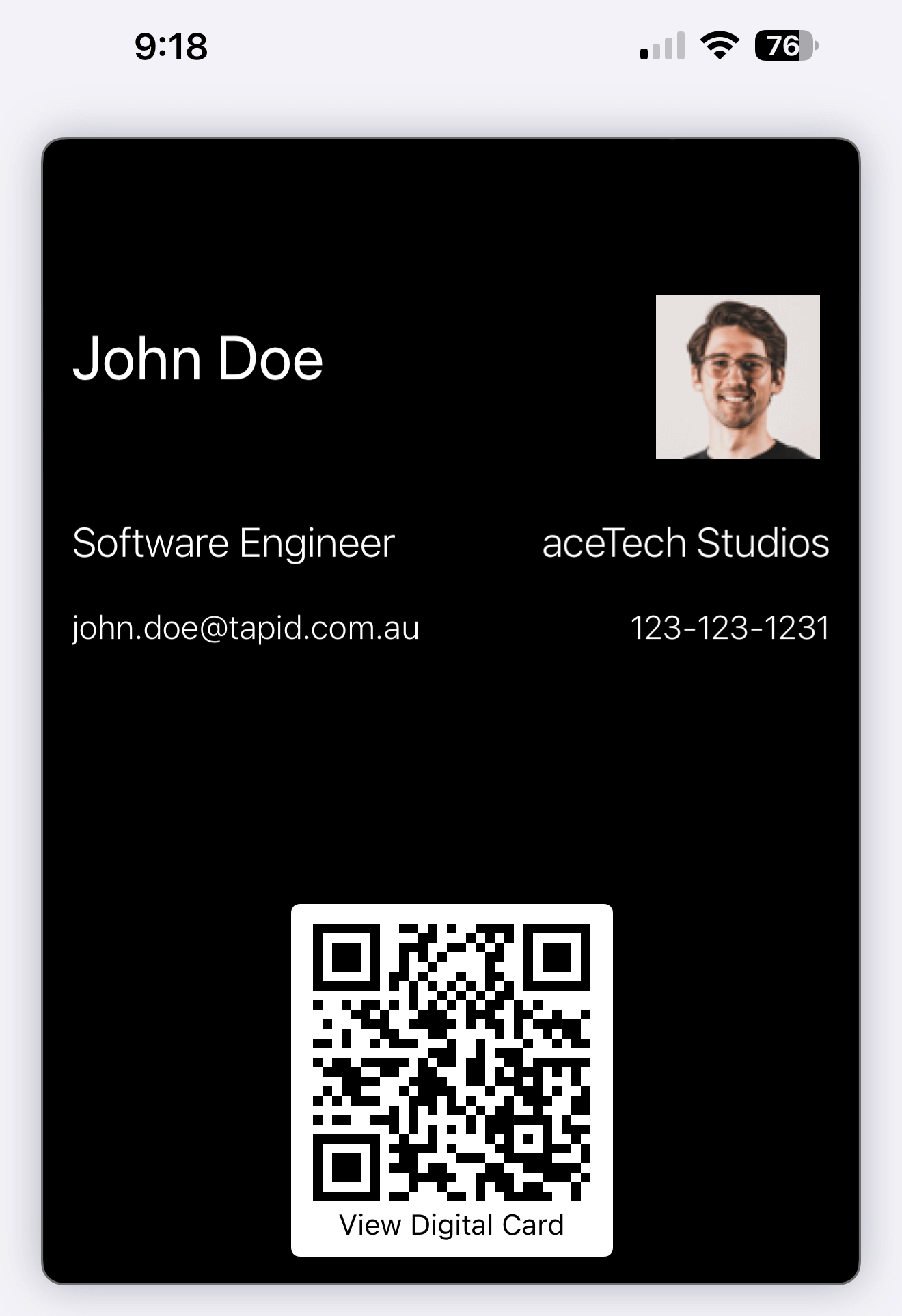
Works even when you forgot your digital NFC Card. Open your wallet app, select card and your card is in your hand.

Auto Update

Any updates you make to your digital card will be instantly reflected in your digital card.

Stand Out

Just with few taps get your card on your hand! Stand out with smart digital networking.